
Security Cameras Without WiFi: 4G Cameras for Rural Properties
Share
No Wi-Fi? No problem.
If you manage a farm, smallholding, equestrian yard, or remote site in the UK, you'll know reliable broadband isn't always available — yet you still need to monitor livestock, secure equipment, and protect outbuildings.
4G security cameras solve this problem by connecting directly to the mobile network, giving you live video, motion alerts, and remote access without needing Wi-Fi or fixed broadband.
This guide explains how they work, what to look for, and whether a 4G system such as Farmstream's range is right for your property.
How 4G Security Cameras Work Without Wi-Fi
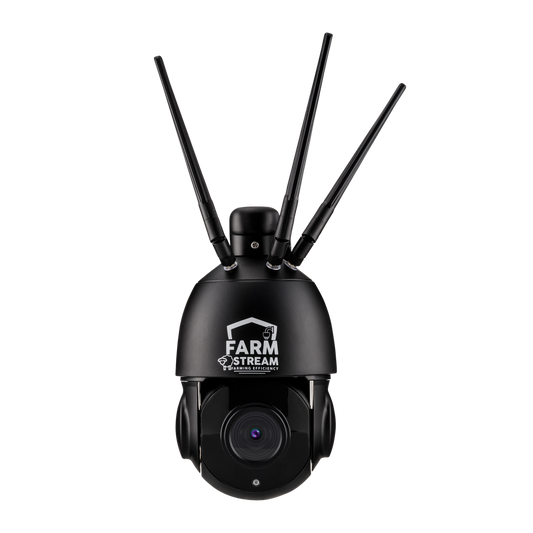
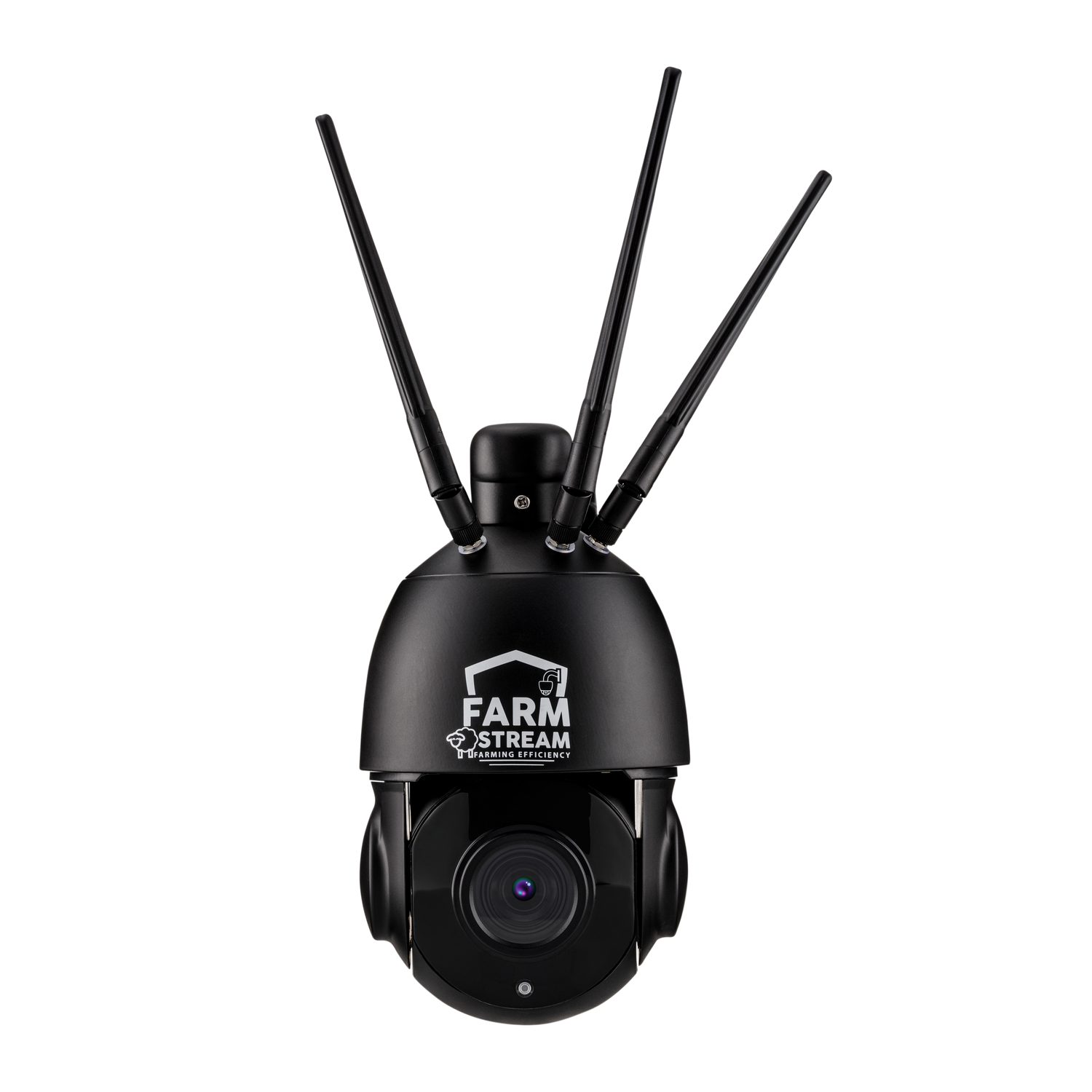
A 4G security camera contains a built-in mobile module and SIM connection. Instead of linking to your home router, it connects straight to the nearest 4G tower — exactly like your phone.
Setup is simple:
- Power the camera using mains, battery, or solar kit
- Insert a SIM or activate the built-in Farmstream eSIM via the Farmstream website
- Download the CamHipro app on your phone
- Scan the camera QR code to add it to your account
- View live video and receive motion alerts anywhere with a mobile signal
Footage is streamed securely through an encrypted peer-to-peer (P2P) connection inside the CamHipro app — not through open manufacturer cloud servers.
All recordings stay safely on the SD card inside your camera.
Wi-Fi vs 4G Cameras: Key Differences
| Feature | Wi-Fi Cameras | 4G Cameras |
|---|---|---|
| Internet required | Yes — needs home broadband & router | No — connects via mobile network |
| Range from house | Around 30–100 m from router | Anywhere with 4G signal |
| Monthly costs | None unless using cloud storage | From £5/month data plan |
| Setup | Connect to router | Plug-and-play SIM/eSIM |
| Reliability | Depends on Wi-Fi strength | Depends on 4G coverage |
| Best for | Properties with broadband | Remote sheds, fields & sites |
In short: Wi-Fi cameras are ideal around your home or office, while 4G cameras are designed for places Wi-Fi can't reach — calving sheds, machinery stores, gateways, construction sites or remote fields.
Why 4G Cameras Are Ideal for Rural Properties
No Broadband Needed
Many rural areas still lack fibre broadband, and Wi-Fi rarely extends to barns or distant fields. A 4G camera only needs mobile signal, making it perfect for truly off-grid sites.
Monitor Multiple Locations
Each 4G camera operates independently, so you can monitor livestock sheds, gates and storage areas without running long cables or Wi-Fi extenders.
Works With Solar Power
Models such as the Farmstream Solar 360 Mini include a solar panel and built-in battery, letting you run a camera anywhere sunlight reaches — no electrician, no mains power.
Instant Alerts
When motion or a person is detected, the camera sends an instant push notification through the 4G network. You can open the app and see what's happening within seconds.
Easy to Move
Need to shift the camera for lambing or building work? Just unmount it and relocate — there's no router to reconfigure.
Understanding 4G Data Costs
Important: 4G cameras only use data when you're actively viewing footage — not during recording.
The camera records 24/7 continuously to its internal SD card without using any mobile data. Data is only consumed when you:
- Watch live footage remotely
- Play back recorded clips from the SD card
- Download video files to your phone
- Receive motion alert thumbnails
Typical monthly data use:
- Motion alerts & occasional viewing: 2–5 GB
- Regular daily checks (10–15 min per day): 5–8 GB
- Frequent monitoring: 10–15 GB
24/7 continuous streaming is not recommended — it would use excessive data and isn't necessary since the camera records everything locally to the SD card.
Farmstream 4G data plans start from £5 per month, with both monthly and discounted annual plans available. Plans can be paused or adjusted anytime, ideal for seasonal use.
If your camera sits inside a metal barn or shed, external antenna kits can boost reception. Farmstream also offers a 30-day money-back guarantee — if local signal isn't strong enough, simply return the camera for a full refund.
Setting Up a 4G Camera: Step-by-Step
- Activate your SIM or eSIM — set up your Farmstream eSIM online or insert your own SIM.
- Power the camera — via mains, battery, or solar kit.
- Add the camera in the app — open CamHipro, scan the QR code, and follow the prompts.
- Test and mount — check the live view before tightening fixings; mounting 3–4 m high usually gives the best coverage.
- Adjust motion zones — fine-tune detection areas to avoid false alerts.
No networking knowledge is required — the system is completely plug-and-play.
What If You Have Poor 4G Signal?
Even with patchy rural coverage, most users can achieve a reliable feed using a few simple steps:
- Mount higher — height often adds signal bars if it avoids interference from other buildings.
- Try another network — Farmstream eSIMs automatically connect to EE, O2, Vodafone or Three.
- Fit an external antenna — boosts signal for cameras installed inside sheds.
- Reduce data load — lower video quality.
With over 10,000 Farmstream cameras running across the UK — including the Scottish Islands — it's rare for signal to be a problem.
Frequently Asked Questions
Can you use security cameras without Wi-Fi or internet?
Yes — 4G cameras work entirely through the mobile network. You can view and control them anywhere via the CamHipro app on your phone.
Do 4G cameras work in areas with poor signal?
They need at least a minimal 4G connection (around two bars). Mounting higher, using an external antenna, or switching networks usually solves weak-signal issues.
How much data does a 4G security camera use per month?
The camera records 24/7 to its SD card without using any data. You only use data when viewing footage remotely. Most users consume 2–8 GB per month for occasional viewing and motion alerts. Continuous live streaming would use excessive data and isn't necessary.
Which UK network works best?
Coverage varies by region. The Farmstream eSIM automatically selects the strongest of the four major UK carriers — EE, O2, Three, or Vodafone.
Can I use 4G cameras without mains power?
Yes — the Farmstream Solar 360 Mini runs on solar energy with integrated battery storage, making it perfect for off-grid fields or sheds.
Do I need a special SIM card?
No — any UK data SIM will work, but the built-in Farmstream eSIM offers seamless setup and roaming across all four major networks.
How do 4G cameras connect to my phone?
Through the CamHipro app's encrypted P2P link. Your footage stays private; it's not routed through open cloud servers.
Are 4G cameras secure?
Yes — Farmstream cameras use encrypted connections and local SD storage. Only you (and anyone you authorise) can view your footage.
Shop Security Cameras Without Wi-Fi
4G cameras make reliable, cable-free security possible anywhere — from farms and smallholdings to remote building sites or equestrian yards.
All models include UK support, external antenna options, and a 30-day money-back guarantee for total peace of mind.